listOn this page
What is Twitch?
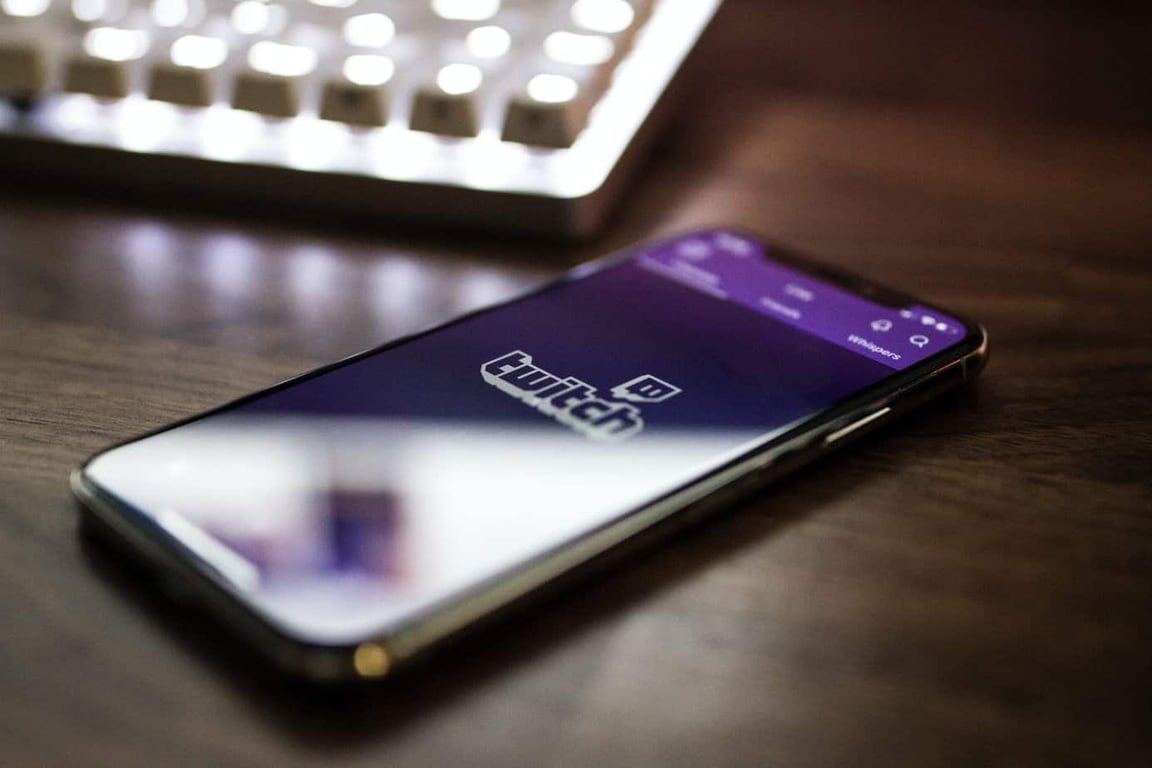
Twitch was founded in 2011 and is a platform that lets people watch live video streaming. It features a variety of content, including gaming, music, and Q&A sessions. It initially started as a spinoff from Justin.TV and its main priority was gaming. In 2014, it was acquired by Amazon.
Through Twitch, users can find out about new games and interact with other gamers. It also lets users follow their favorite gamers. Similar to sports fans, people watching live video streaming can follow the individuals they like most. In addition, it features an “In Real Life” section where people can live-stream their daily life experiences.
Whether you are a viewer or a streamer, creating an account is free. You need to have an account to comment on streams and follow other creators.
What are Twitch Donations?
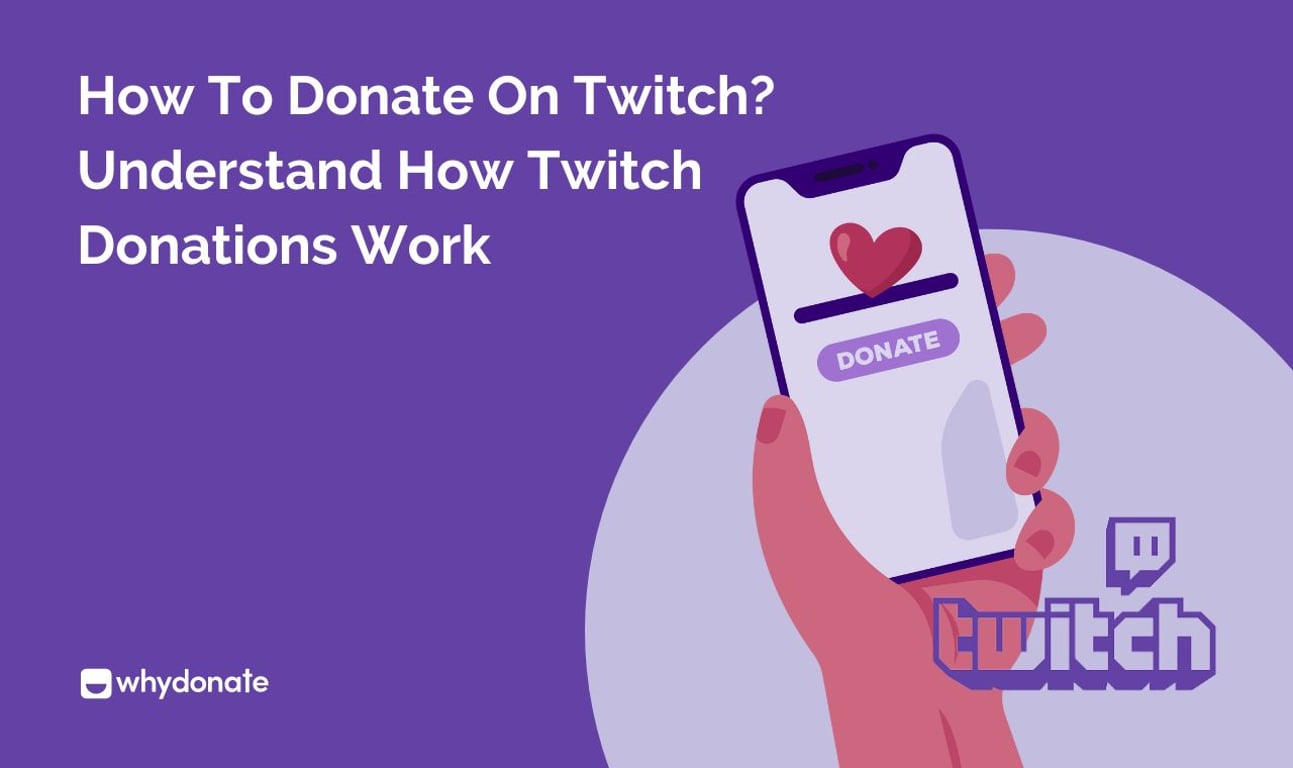
Twitch provides an interesting feature of charitable donations. At Twitch, viewers can support people in need. Twitch aims to help viewers make informed decisions when it comes to donating to charity. It also provides helpful resources for creators so that they can be creative with their content and get donations if necessary.
Why Viewers Donate on Twitch
Through Twitch donations without any third party, Twitch streamers can easily create and manage a charitable fundraising campaign for their viewers. These pages include links to various websites, campaigns, and donation pages. This eliminates the need for you to be the one who makes the donations and helps minimize the risk of confusion. Similarly, charitable organizations can also create campaigns through streaming and ask for donations.
Types of Twitch Donations
Charity Tool: Through Twitch’s Charity tool, viewers can give money to any charity of their choice. These systems ensure that the money goes to the proper charity and provides tax-deductible receipts.
NOTE: There are other forms of fundraising Twitch offers, such as subscriptions, bits, and donations, which are not considered charitable and are not deductible.
Twitch Bits: Bits are Twitch’s own virtual currency that viewers buy from Twitch and spend in chat by typing things like cheer100. Streamers earn money for each Bit used in their channel, and Twitch takes its cut when the viewer buys the Bits, not when they’re used.
Direct Donations: These are cash donations sent through third-party services like PayPal, Streamlabs, Ko‑fi, or similar platforms, usually via a link in the streamer’s profile or panels.
Channel Subscriptions: Twitch offers monthly subscriptions to users that provide emotes, badges, and ad-free viewing on that channel. Streamers get a revenue share of the sub price (often around 50–70%), with Twitch keeping the rest.
Gifted Subscriptions: Gifted subs are subscriptions that one viewer buys and gives to another viewer (or randomly to people in chat), letting more people access sub benefits.
Cryptocurrency: A few streamers accept crypto (like Bitcoin or Ethereum) via wallet addresses or crypto-donation services. These work like direct tips but use blockchain payments instead of traditional processors, and they can be more volatile in value.
How to Donate on Twitch
In order to set up Twitch donations:
- Find the streamer’s channel on Twitch. You can either log in through the browser or the mobile app.
- Look for the “Donate” button or panel below the stream player.
- Clicking the button will redirect you to third-party transaction sites.
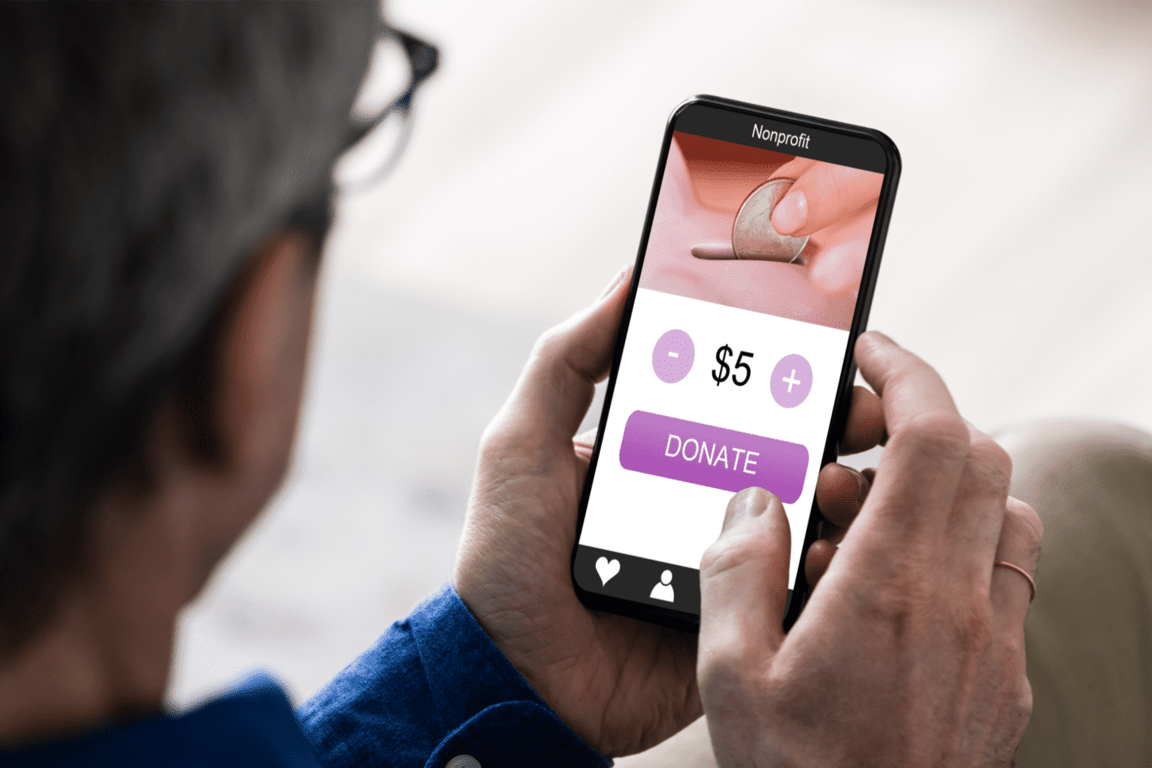
- You can enter the amount you want to donate (for example, $5 or $10)
- You can also add a message that will appear live on stream if the alerts are enabled
- Add your payment details and complete payment.

How to Set Up Donation on Twitch (For Streamers)
Step 1 – Join the Twitch community by logging in or signing up for a Twitch account. You can also download the Twitch mobile app.
Step 2 – Search for and select a charity that you want to support using the Discovery tab.
Step 3 – To create a campaign, go to the campaign creation page and click on the charity or Twitch streamer that you wish to support. You’ll be able to see its details and set a goal.
Step 4 – To set a goal, go to the Edit icon and select the amount that you want to raise. You can modify the amount on your donation page that you want to raise at any time, and it can not be decreased.
Step 5 – Check the preview of your Twitch donation panel and see if you approve of the look.
Step 6 – To start a campaign, go to the Charity section of your dashboard and click on the “Start” button. One campaign can be active at the same time, and you’ll receive a confirmation once it has been activated.
Step 7 – Now that your fundraiser has started, you can choose to display charity donations and find the donations in your activity feed.
Step 8 – You can now manage your fundraising campaigns by clicking the Save button. This page will allow you to set up active, inactive, or draft campaigns. Now you can adjust your donation settings, donation link, or your Twitch channel page. You can also see the details of each campaign, such as its name, date of activation, fundraising goal set, and total amount raised.
Step 9 – If you want to delete a fundraiser from this list, you can do so by clicking the Delete button within the three dots at the end of each campaign row. However, you will not be able to delete campaigns that have raised any amount of money.
Step 10 – Your donors are important to your organization, and publicly thanking them is a way to show them how much you appreciate them. Showing gratitude will create a good impression and help you to accept donations in future fundraising campaigns.
How to Add a Donation Button on Twitch
Users can add a donation button on Twitch using the following method:
Through Twitch Panel:
- Log in to the creator dashboard
- In the About tab, turn Edit Panels on
- Click the + icon to add a Text or Image Panel
- Upload a custom donation button image and, in Image Links To, paste your donation URL
- Add a title/description, click Submit, then turn off Edit Panels to see the live button.
Understanding Twitch Bits and Cheering
Twitch Bits are a paid virtual currency viewers buy with real money to support streamers. The purpose of the Twitch bits is to support streamers and unlock rewards. Viewers use Bits to Cheer, which is a chat message containing Bits that triggers special animations (Cheermotes), on‑screen alerts, and can pin the message in chat.
Bits Price Breakdown
While 1 Bit is always worth $0.01 USD to the streamer, the cost to the viewer is higher due to the cut taken by Twitch.
Bits Amount | Approx Price | Streamer Receivable |
100 Bits | $1.40 | $1.00 |
500 Bits | $1.40 | $5.00 |
1,500 Bits | $19.95 (~5% discount) | $15.00 |
5,000 Bits | $64.40 (~8% discount) | $50.00 |
How Twitch Charity Tool Works
The Twitch Charity Tool is a built-in feature for Affiliates and Partners that lets streamers run fundraising campaigns directly from their Creator Dashboard without third-party tools.
- Creating a Charity Campaign
Streamers select a charity via the PayPal Giving Fund directory, set a fundraising goal, and start the fundraiser, which replaces the usual Subscribe button with a Donate to Charity button.
- Tracking Donations
Twitch provides real-time tracking through the Activity Feed and a My Fundraisers dashboard showing totals, status, and past campaigns.
- Tax-Deductible Donations
Because PayPal Giving Fund is a registered 501(c)(3), donors automatically receive tax receipts, and for US donors, these gifts are generally tax-deductible.
How Much Does Twitch Take from Donations?
Twitch generally takes 0%. The streamer keeps the full amount minus payment processor fees. In the case of Twitch bits, it builds in a roughly 30% markup when viewers buy Bits. Streamers effectively receive about 70% of what viewers spend on Bits. In case of subscription, standard Twitch deals are about a 50/50 revenue split between Twitch and the streamer, though some large partners get better terms.
Tips to Get More Twitch Donations
Here are some insider tips to help you get donations on Twitch effectively:
- Set Donation Goals
Exhibiting clear goals can show urgency and clarity about how much exactly you need for your cause.
- Add Donation Alerts
Adding visual notifications can help you understand the donation pattern.
- Thank Your Donors
Showing gratitude can be a great way to build long-term relationships with donors. Consistent streams and donor recognition can make you feel invested in your cause.
- Offer Donation Rewards
You can offer any kind of reward to your donors to keep them motivated, such as special chat badges, shoutouts, or even thanking them live.
WhyDonate – A Twitch Alternative
If you are looking to make donations to charitable organizations and are not a fan of online streaming platforms, then WhyDonate is one of the best options for you. One of Europe’s leading online fundraising platforms, WhyDonate, enables individuals and organizations to raise funds for various causes, such as healthcare, the environment, music, and funerals.
WhyDonate is a crowdfunding platform that has a huge database of over 350.000 donors, and the platform does not charge users any additional fees or platform costs. Its user-friendly dashboard helps fundraisers keep track of their donations. Through WhyDonate, users can easily add their own content and customize branding to various forms of fundraising and email campaigns. They can also track their activities through the mobile app.
Starting a fundraiser at WhyDonate is tremendously easy, and it also offers fundraisers an instant payout option if they are in a hurry to withdraw their donations.
Common Problems with Twitch Donations
Here are some common problems that can occur during Twitch donations:
- Technical Issues
Sometimes broken or outdated donation links can cause failed or missing donations.
- Payment Failure
Limited payment methods in some regions can force people to only opt for PayPal.
- Mobile Donations Not Working
Many times, the donation process from a mobile or app doesn’t go through, making it difficult to operate on the go.
- Chargeback Scams
Sometimes, viewers donate via PayPal or card, then later dispute the charge. This leads to streamers losing the money and may also pay extra fees.
Start Making Donations
With the ability to subscribe to a Twitch channel, many users can now enjoy various perks, such as chats and emotes. Depending on the streamer a viewer wants to subscribe to, this can cost around $3 to $5.
However, making donations through crowdfunding websites like WhyDonate is pretty cost-effective and can directly give you way more charity options to choose from. So you can either click on the donate button on Twitch or make a donation through WhyDonate.
FAQs
1. Can you donate on Twitch without subscribing?
Yes, you can donate on Twitch without subscribing by using third-party services like PayPal, Streamlabs, etc.
2. What is the minimum donation on Twitch?
The minimum donation amount to charities through Twitch is $1USD.
3. Are Twitch donations refundable?
Twitch donations are not usually refundable but are subject to chargebacks in case of payment processor disputes.
4. Can you donate anonymously on Twitch?
Yes, you can donate anonymously on Twitch.
5. Do Twitch streamers keep all donations?
For charitable donations, Twitch streamers do not keep any donation, 100% of donations (minus payment processing fees) go directly to the chosen charity

Sudatta is a senior content manager with more than 10 years of experience in the content space and an expert in crowdfunding and fundraising-related topics. She enjoys creating engaging and reader-friendly content. In addition to writing, Sudatta is also passionate about music, travelling, and reading.